
Technology
How to Fix Lag in Games Once and For All

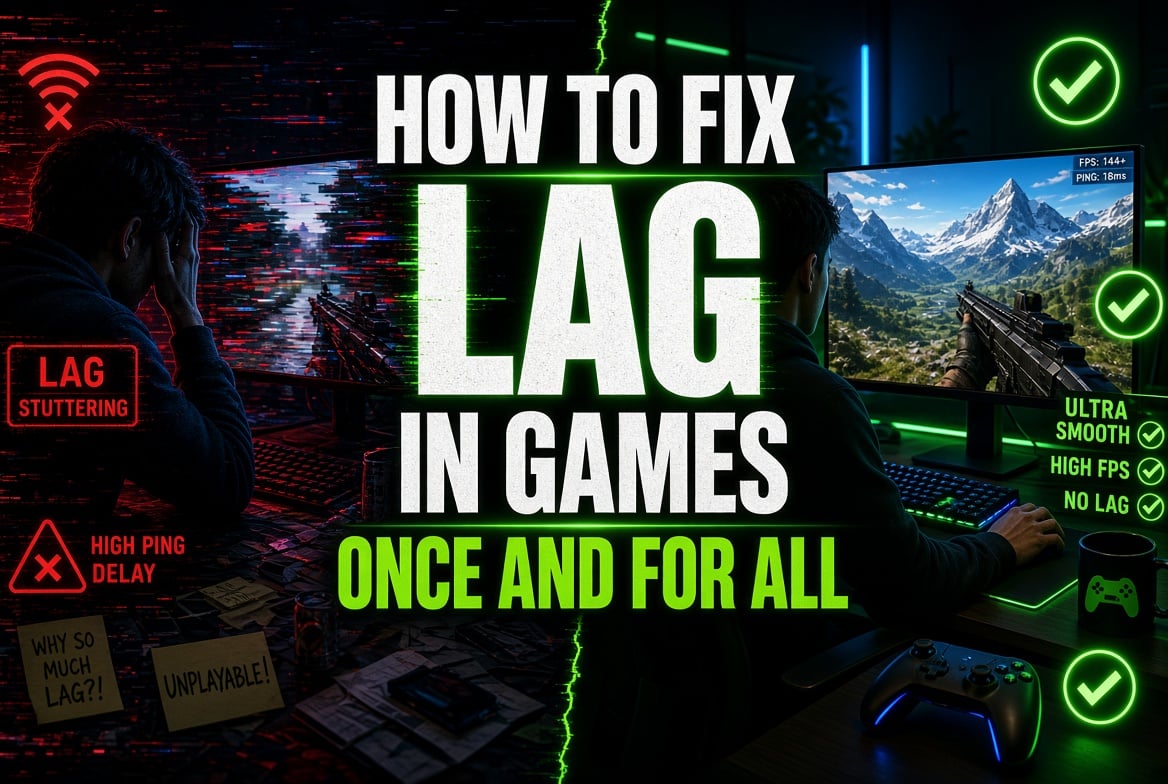
You are three rounds into a ranked game, aiming accurately, when your character freezes for half a second and the next thing you know, you’re looking at a respawn screen – something you’ll recognize. Lag isn’t just bad luck. It’s almost always due to one of several remediable factors – your ping, your connection’s stability, or the path your data takes to the server. This guide shows you how to fix lag in games step by step, starting with simple checks and moving to longer-term fixes so your matches stay smooth.
What Lag in Games Actually Means
Lag is a general term and typically refers to one of three issues: high ping, packet loss, or a weak connection during peak hours. These causes overlap, which is why so many solutions for how to fix lag in games fail – players try one fix, see no improvement, and then stop. A proper diagnosis matters more than guessing.
Here’s a simple way to spot the difference:
| Symptom | Likely cause | Quick check |
| Delayed reactions, rubber-banding | High response time | Run a test to your game server |
| Random freezes, missed hits | Packet loss | Watch for dropped packets during play |
| Lag only in the evening | Network congestion at peak hours | Compare speeds at different times |
| Lag on one device, fine on another | Local Wi-Fi or hardware issue | Try a wired vs wireless connection |
Diagnosing High Ping and Routing Problems
Before making any changes, you should first work out what the problem is, since this step is often omitted, and it is precisely because this step is skipped that so many fixes fail to stick.
Start With a Connection Test
Whenever the ping exceeds 100 to 150 ms when directed at a nearby server, there’s usually a real problem. If your ping fluctuates rather than staying steady, that indicates an unstable internet connection, not just distance.
Look at Packet Loss
A slow response time coupled with high packet loss may feel worse than a moderate, stable one. Packet loss can make the video stutter or make actions register with a delay, even if your ping appears normal. Some packet-loss troubleshooting tools will automatically identify this.
Check the Route to the Server
Your data doesn’t always follow a direct route. It may take extra hops because of ISP bandwidth issues or a poor choice of game server region. The traceroute tool, available on both Windows and macOS, shows exactly where the delay occurs.
If your diagnosis points to a poor route or ISP issues with certain servers, a cheap proxy by Geonix can help. The proxy will redirect your traffic via a more reliable route to the area where you are playing. Of course, it won’t fix a faulty router, but it can bypass the route your ISP insists on using.
How to Fix Lag in Games: Router and Hardware Basics
After you have established the cause, the majority of the ways of how to fix lag in games can be divided into a number of simple groups. None require deep networking knowledge – just a little patience.
- Make sure your router’s firmware is up to date, since manufacturers issue patches to fix bugs that cause instability under load. One of the most frequently overlooked causes of lag is an out-of-date router.
- To properly restart your modem, switch it off for a full 30 seconds, not just for a quick reboot. This clears the glitches that build up over days.
- If possible, use a wired connection. Ethernet is typically the better choice for competitive play because walls and interference don’t affect it.
- Configure the Quality of Service settings. Since most modern routers enable you to give gaming traffic a higher priority than downloads or streaming, a family member’s Netflix viewing session won’t cause your ping to rise during a game.
- If your router supports it, turn on bandwidth prioritization for gaming so less urgent data doesn’t hold up gaming traffic.
What Actually Moves the Needle on Latency
If, after the basic steps, response time in games remains high, you can do a few additional checks. First, make sure you are connected to the nearest available server, since some games automatically select the wrong region. Second, remember that frame rate and latency are separate. A smooth 144 FPS tells you nothing about your response time, so don’t automatically blame your graphics settings.
To put it in context, the gaming industry usually considers a ping of 150 ms or more to be “high”, while anything below 50 ms is generally comfortable for most competitive games. Use these figures as a rough guide rather than a strict rule. Different types of games, such as a fast-paced shooter and a slow strategy game, can tolerate quite different levels of latency.
Build a Habit, Not a One-Time Fix
What players tend to overlook is that eliminating lag isn’t something you can achieve in a single afternoon. Networks are constantly changing. Your Internet service provider changes routing, more devices connect to your Wi-Fi, and servers get busy when a major update is released. Consequently, learning how to fix lag in games is actually an ongoing practice rather than a task that you can complete once and be done with. Whenever you want, carry out a quick test, particularly after making any changes to your setup, and go back to your router settings if anything seems wrong again.
Quick Recap
To sum up how to fix lag in games, here’s the order worth following whenever it shows up again:
- Check the connection and record your ping and packet loss.
- Determine whether the problem is local (the router, Wi-Fi) or upstream (the ISP or server routing).
- Use the appropriate fix – such as a firmware update, wired internet, QoS settings, or a rerouting tool.
- To test it during an actual match rather than just in the lobby, make sure it really works.
Lag will never totally vanish since that is simply how it is when sending data a long way in real time. However, with a clear understanding of the problem and a few good habits, you’ll spend much less time blaming your internet and much more time winning. Because a stable connection is the foundation for the enjoyable part.



How to Recover Lost Game Files from an External Drive on Mac

Mystery Anime You’ll Regret Starting at Midnight | Part 2

ARC Raiders Frozen Trail Guide: How to Board and Clear the Frigate

Rockstar Games Integrates Advanced Ray Tracing for GTA VI

How to Update Outdated Graphics Drivers for Better Gaming Performance and Higher FPS

The Most Popular Car Game Isn’t Where Players Stay Longest

Canada’s Gaming Audience Is Bigger Than the Old Stereotype

Mystery Anime You’ll Regret Starting at Midnight | Part 1

Anime You’ll Be Glad You Added to Your Fall Watchlist (Part 2) 🍂

WoW Forever Leveling: What Is New on the Road from 1 to 60

MM2 weapon rarity tiers explained for traders

Blox Fruits Physical vs Permanent Fruits: What’s the Difference?

What to Check Before Buying FC 27 Coins Online

Pokémon Announces New Movie With a New Hero and Mimikyu

Double-Sentinel Defensive Holds Disrupt Fast Valorant Site Executes
Canada’s Gaming Audience Is Bigger Than the Old Stereotype
-
 Anime3 weeks ago
Anime You’ll Be Glad You Added to Your Fall Watchlist (Part 2) 🍂
-
 Features2 weeks ago
WoW Forever Leveling: What Is New on the Road from 1 to 60
-
 Esports3 weeks ago
MM2 weapon rarity tiers explained for traders
-
 Features4 weeks ago
Blox Fruits Physical vs Permanent Fruits: What’s the Difference?
-
 Features4 weeks ago
What to Check Before Buying FC 27 Coins Online
-
 Anime4 weeks ago
Pokémon Announces New Movie With a New Hero and Mimikyu
-
 Esports4 weeks ago
Double-Sentinel Defensive Holds Disrupt Fast Valorant Site Executes
-
 Features2 weeks ago
Canada’s Gaming Audience Is Bigger Than the Old Stereotype
-
 Anime2 weeks ago
Mystery Anime You’ll Regret Starting at Midnight | Part 1
-
 Features3 weeks ago
Why Sports Games Keep Getting Better at Simulating the Real Thing
-
 Features1 week ago
The Most Popular Car Game Isn’t Where Players Stay Longest
-

 Features2 weeks ago
8 Underrated PC Games Worth Playing in 2026 (That Aren’t Getting the Attention They Deserve)