
Technology
Best DNS Servers for Gaming in 2026: 6 Options for Speed and Stability

A slow connection can ruin a good gaming session. One moment you’re loading into a match, and the next you’re staring at a connection error or waiting for your game launcher to respond.
Your DNS server might be part of the problem. A reliable DNS service helps your device find game servers, load gaming websites, and connect to online services more efficiently.
So, which DNS server should you choose? Here are six DNS options worth knowing about in 2026, along with their addresses, key features, and setup instructions.
Best DNS Servers for Gaming at a Glance
Here’s a quick comparison of six popular DNS services and what each one offers.
| DNS Provider | Primary DNS | Secondary DNS | Best For |
| Cloudflare | 1.1.1.1 | 1.0.0.1 | Fast DNS lookups |
| Google Public DNS | 8.8.8.8 | 8.8.4.4 | Everyday reliability |
| Quad9 | 9.9.9.9 | 149.112.112.112 | Security and privacy |
| OpenDNS | 208.67.222.222 | 208.67.220.220 | Custom filtering |
| CleanBrowsing | 185.228.168.9 | 185.228.169.9 | Malware protection |
| CDNetworks | Not a public resolver | Not a public resolver | Gaming service infrastructure |
The first five are public DNS resolvers you can configure on your device. CDNetworks offers a different kind of DNS service designed for websites and online platforms.
What Is a DNS Server?
Think of DNS, or the Domain Name System, as the internet’s address book.
When you open a gaming website or sign in to an online service, your device needs to find the correct server. DNS translates domain names into IP addresses so your device knows where to connect.
For example, when you launch Steam or open a game’s official website, DNS may help your device locate the services it needs. A slow or unreliable DNS resolver can delay that process.
DNS is one part of your internet connection. It handles domain lookups, while other technologies manage how your traffic travels across the network.
For players who also care about online privacy, a free VPN offers a different benefit. It encrypts your internet traffic and helps hide your public IP address, particularly useful when gaming on shared or public Wi-Fi.
Does Changing Your DNS Server Improve Gaming?
Switching to a better DNS server can improve certain parts of your gaming experience, especially when your current DNS service is slow or unreliable.
Here are three areas where it can help.
Faster access to gaming services
A responsive DNS resolver can shorten the time needed to locate game launchers, login services, gaming websites, and update servers.
More reliable connections
An unreliable DNS server can cause login failures or prevent your device from finding online services. Switching to a dependable provider may resolve these problems.
Better protection from malicious websites
Some DNS providers block known phishing and malware domains. This is useful when browsing game forums, downloading mods, or following links shared by other players.
DNS vs. VPN: Which One Matters More for Gaming?
DNS and VPNs serve different purposes.
A DNS server helps your device find online services. A VPN encrypts your connection, masks your public IP address, and routes traffic through a VPN server.
For example, if you’re gaming in Australia or traveling with your laptop, you can download a free VPN Australia to add privacy protection when connecting through hotel or public Wi-Fi.
A VPN can also change the route your gaming traffic takes. Depending on the network and server location, this may improve or increase latency. Comparing your connection with the VPN enabled and disabled is the easiest way to see which setup works better.
6 Best DNS Servers for Gaming in 2026
Not every DNS service offers the same combination of speed, reliability, and security. Here are six options and what makes each one different.
1. Cloudflare – Best for Fast DNS Lookups
- Primary DNS: 1.1.1.1
- Secondary DNS: 1.0.0.1
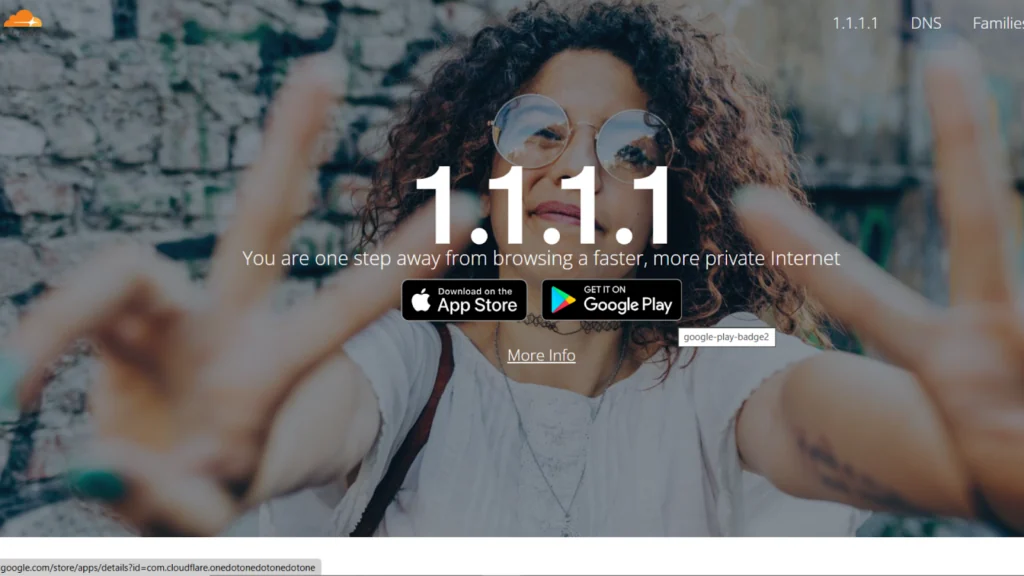
Cloudflare is a great starting point if you’re looking for a fast, straightforward DNS service.
Its global network is designed to resolve domain requests quickly, making it a popular choice for everyday browsing and gaming-related services.
Cloudflare also supports encrypted DNS through DNS-over-HTTPS and DNS-over-TLS, helping protect DNS queries from unwanted monitoring.
For most gamers, the biggest advantage is simplicity. It’s free, easy to configure, and doesn’t require creating an account.
Best for: Players who want fast DNS resolution without complicated settings.
2. Google Public DNS – Best for Everyday Reliability
- Primary DNS: 8.8.8.8
- Secondary DNS: 8.8.4.4
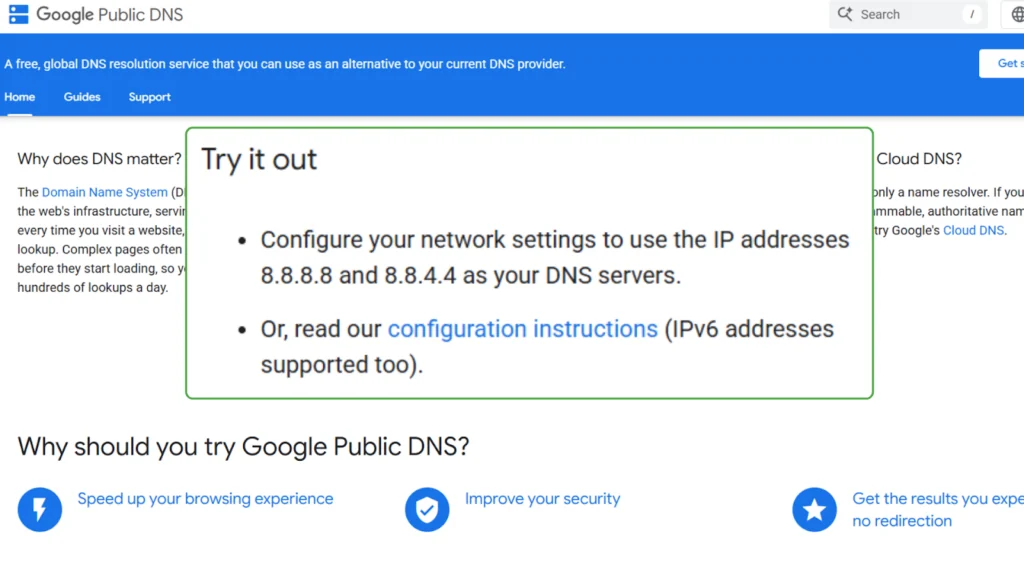
Google Public DNS is another dependable option, backed by Google’s extensive network infrastructure.
It provides reliable domain resolution and supports encrypted DNS connections. Its widespread availability makes it a convenient alternative when your ISP’s default DNS isn’t working well.
Google Public DNS doesn’t offer the same built-in content filtering as services such as Quad9 or CleanBrowsing. Instead, it focuses on general DNS performance and reliability.
Best for: Gamers who want a simple, stable DNS service for gaming, browsing, and everyday internet use.
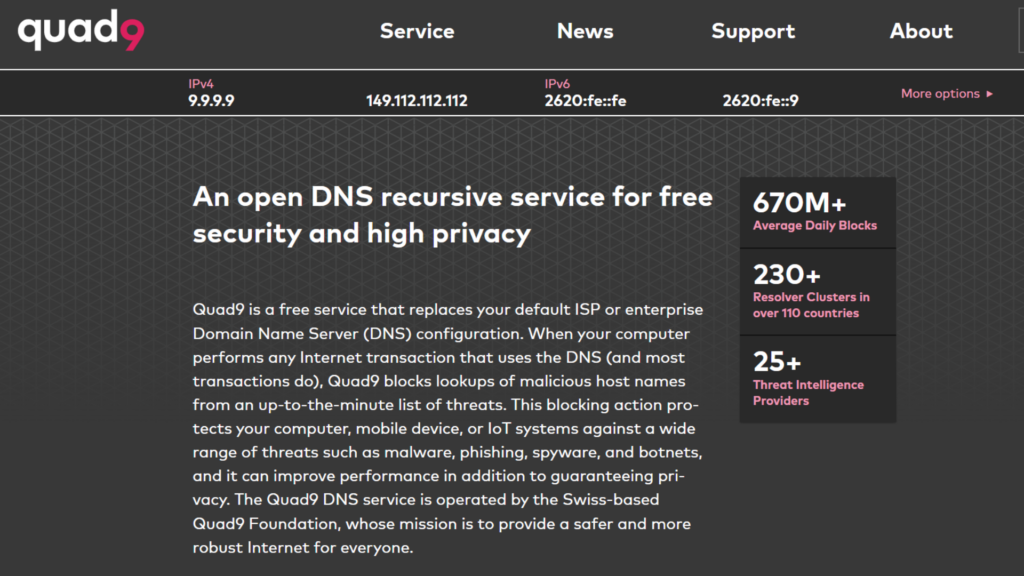
3. Quad9 – Best for Gaming Security
- Primary DNS: 9.9.9.9
- Secondary DNS: 149.112.112.112
Gaming often involves visiting unfamiliar websites, downloading community mods, or clicking links shared in Discord servers.
That’s where Quad9 comes in.
Quad9 uses threat intelligence to block known malicious domains, helping reduce exposure to phishing websites and malware.
It also emphasizes user privacy and supports encrypted DNS protocols.
If you regularly explore community-created content or download gaming tools, Quad9 is worth considering.
Best for: Security-conscious gamers who want protection against known malicious domains.
4. OpenDNS – Best for Custom Filtering
- Primary DNS: 208.67.222.222
- Secondary DNS: 208.67.220.220
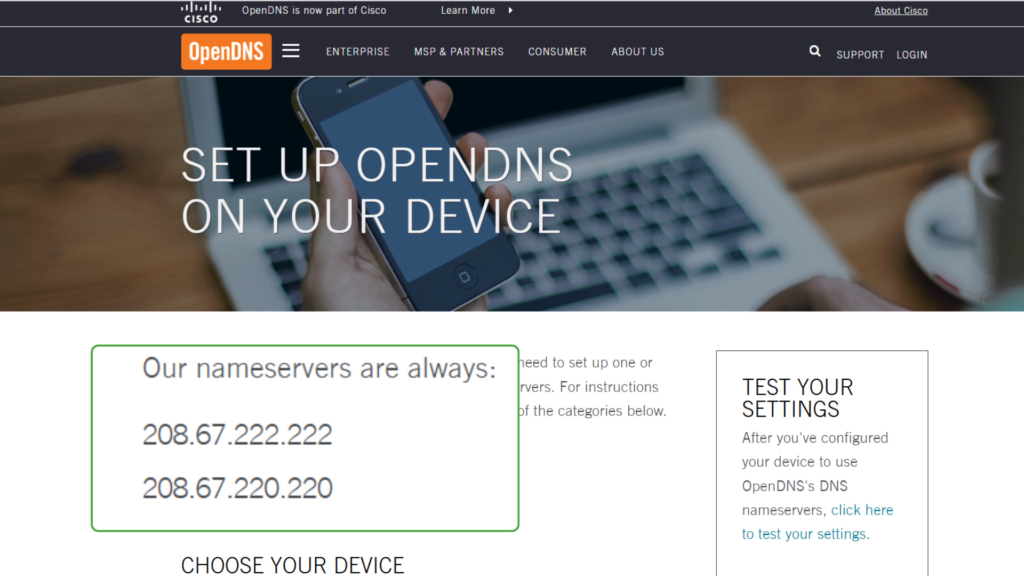
OpenDNS, operated by Cisco, offers reliable DNS resolution alongside customizable content filtering.
Its filtering options make it particularly useful for households where several people share the same internet connection.
Parents can configure restrictions for certain types of websites, while other users can benefit from phishing protection and more control over online content.
OpenDNS also offers FamilyShield, a separate option with predefined family-friendly filtering.
Best for: Families and players who want greater control over the websites accessible on their network.
5. CleanBrowsing – Best for Safer Browsing
- Primary DNS: 185.228.168.9
- Secondary DNS: 185.228.169.9
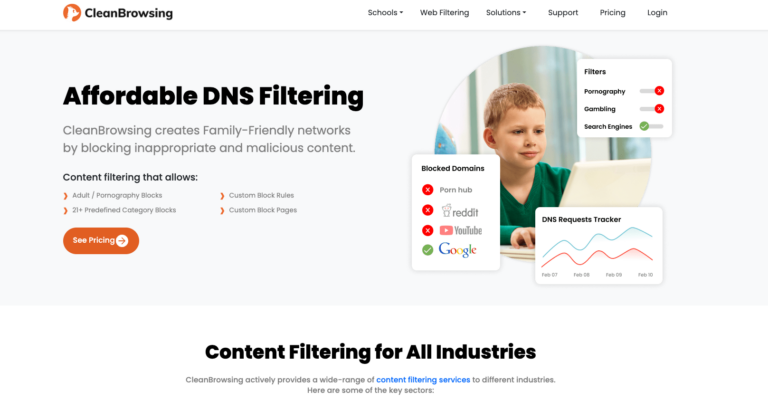
CleanBrowsing focuses on DNS-based security and content filtering.
Its free Security Filter blocks domains associated with malware and phishing, helping protect users from potentially harmful websites.
The service also offers additional filtering options for families and users who want more control over online content.
CleanBrowsing can be useful for gamers who frequently browse community websites, gaming forums, and download pages.
Best for: Players who want DNS-level protection while exploring gaming content online.
6. CDNetworks – Best for Gaming Service Infrastructure
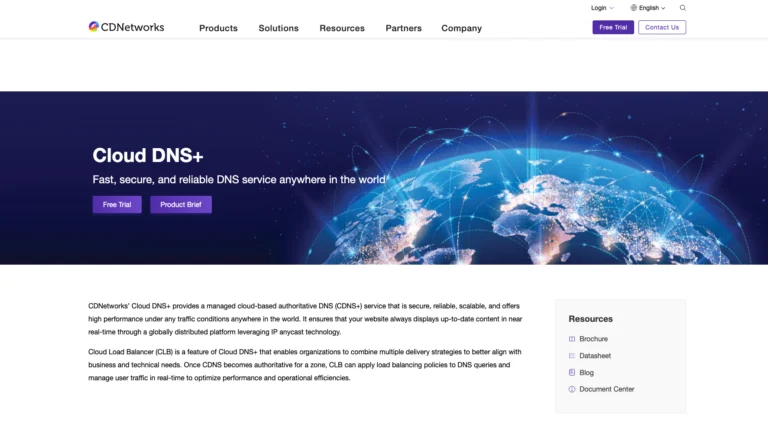
Unlike the other options on this list, CDNetworks isn’t a public DNS resolver that individual players can configure using a pair of IP addresses.
Instead, it provides enterprise-level DNS infrastructure for websites and online services.
Its Cloud DNS+ platform uses globally distributed infrastructure and traffic management features to help companies maintain reliable connections across different regions.
For gaming companies, these capabilities can support service availability and help direct users to suitable infrastructure during periods of heavy traffic.
Best for: Game publishers and online platforms managing services across multiple regions.
Conclusion
The best DNS server for gaming depends on what matters most to you.
Cloudflare and Google Public DNS are excellent starting points for fast, reliable lookups. Quad9 and CleanBrowsing offer additional security features, while OpenDNS gives you more control over content filtering.
Start with a trusted provider, test how your favorite games and launchers respond, and stick with the one that works best on your network.
For lower Ping and smoother matches, look beyond DNS. A stable connection, nearby game servers, and fewer background downloads will usually make a bigger difference.
Frequently Asked Questions
What Is the Best DNS Server for Gaming?
Cloudflare and Google Public DNS are good starting points for most gamers because they’re free, widely available, and easy to configure. Quad9 is another strong option if security is your priority. The best choice depends on your location and network.
Can Changing DNS Reduce Ping in Games?
Changing DNS usually won’t reduce your in-game Ping. DNS handles domain lookups, while gaming latency depends primarily on your network connection and the route to the game server.
Can a Faster DNS Server Improve Download Speeds?
A faster DNS server may help your device locate download services more quickly. It can also affect which content delivery server you reach in some situations. Your actual download speed still depends mainly on your connection and the download server.



Best DNS Servers for Gaming in 2026: 6 Options for Speed and Stability

How to Grow a Gaming TikTok From Zero in 2026: 8 Steps

Level Up Your Audio: How to Score the Next Big Indie Game from Your Bedroom
The Parent Companies Behind Your Favorite Games

A Must watch Wholesome Anime That Feels Surprisingly Relatable!

Steal a Brainrot Items Guide: How to Get Rare Brainrots and Build a Stronger Base

Best MM2 Weapons to Collect: Knives, Guns and Godlys Explained

Table and Mini Games In Grand Theft Auto 6 – What Can We Expect?

WoW Forever Leveling: What Is New on the Road from 1 to 60

Canada’s Gaming Audience Is Bigger Than the Old Stereotype

8 Underrated PC Games Worth Playing in 2026 (That Aren’t Getting the Attention They Deserve)

ARC Raiders Frozen Trail Guide: How to Board and Clear the Frigate

The Most Popular Car Game Isn’t Where Players Stay Longest

Why Sports Games Keep Getting Better at Simulating the Real Thing

Rockstar Games Integrates Advanced Ray Tracing for GTA VI

Mystery Anime You’ll Regret Starting at Midnight | Part 1
-
 Features4 weeks ago
WoW Forever Leveling: What Is New on the Road from 1 to 60
-
 Features3 weeks ago
Canada’s Gaming Audience Is Bigger Than the Old Stereotype
-
 Features4 weeks ago
8 Underrated PC Games Worth Playing in 2026 (That Aren’t Getting the Attention They Deserve)
-
 Features2 weeks ago
ARC Raiders Frozen Trail Guide: How to Board and Clear the Frigate
-
 Features3 weeks ago
The Most Popular Car Game Isn’t Where Players Stay Longest
-
 Features4 weeks ago
Why Sports Games Keep Getting Better at Simulating the Real Thing
-
 Gaming News2 weeks ago
Rockstar Games Integrates Advanced Ray Tracing for GTA VI
-
 Anime3 weeks ago
Mystery Anime You’ll Regret Starting at Midnight | Part 1
-

 Features4 weeks ago
From Consoles to Phones: How Canadian Gaming Became an Anytime Experience
-

 Anime2 weeks ago
Mystery Anime You’ll Regret Starting at Midnight | Part 2
-
 Technology2 weeks ago
How to Update Outdated Graphics Drivers for Better Gaming Performance and Higher FPS
-
 Technology2 weeks ago
How to Recover Lost Game Files from an External Drive on Mac