
Technology
Top 6 Gaming Logo Generators to Build Your Streamer Brand in 2025

You finally hit that sub goal. The stream looks clean, the audio lands well, but your channel page still feels bare. Usually, the issue comes down to the logo. It’s small, but it shapes how people read your entire online identity. And most streamers start by forcing a messy Google image into a square, hoping it passes. It never does.
A few years ago, fixing this meant hiring a designer and waiting forever. Now an AI logo maker can get you something sharp without draining your wallet. The real challenge is finding a gaming logo maker that isn’t generic or overpriced. Here’s the list of the tools that actually deliver a real brand, not just a file.
1. X-Design
This is the new AI logo generator tool that has emerged as a notable software for generating high-quality videos. Most people haven’t heard of X-Design yet because it plays differently from the older sites. It doesn’t feel like a standard template gallery. It feels like you are sitting next to a designer who is actually listening to you.
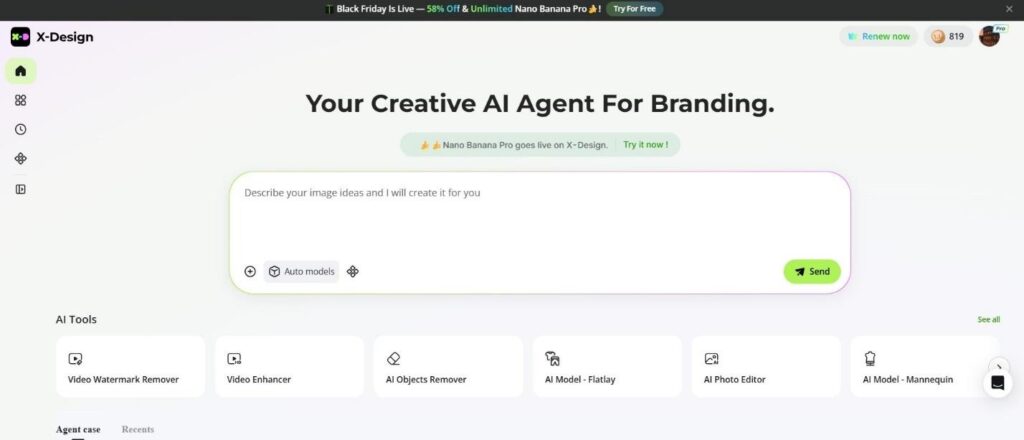
The problem with most generators is that they are dumb. You type in “wolf,” and they give you a cartoon wolf. X-Design works as a “Creative AI Agent.” You talk to it and describe the vibe. You say you want a futuristic samurai, but with a neon pink palette and a glitch effect. It actually tries to build that specific vision. It interprets the nuance of what you are asking for rather than just matching keywords to a database.
The real killer feature here for streamers is something they call “Brand Memory.” If you have been doing this for a while, you know the pain of losing your hex codes. You make a thumbnail six months later, and the red doesn’t match your logo red. X-Design fixes that. It locks your brand identity into the system. When you need to make a “Stream Starting Soon” screen or a banner for Twitter, it automatically pulls your specific colors and fonts. It keeps everything tight.
2. Placeit
If you’ve spent even an hour on Twitch, you’ve seen a Placeit logo. They are absolutely everywhere. That is their biggest strength and their biggest weakness. Placeit is the king of the “esports mascot” style. If you want a fierce bear, a masked fighter, or a skull wearing headphones, this is the place everyone ends up.
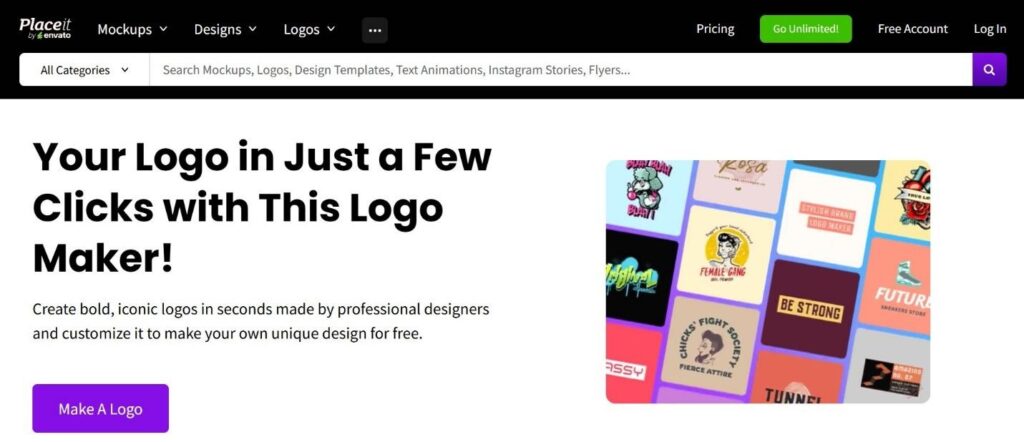
The reason so many people use Placeit is the animation. This is one of the few tools that gives you motion graphics right out of the box. You don’t just get a static JPEG. You get a video file of your logo glowing, spinning, or assembling itself. You can drop that straight into OBS as an alert or a transition. It adds a layer of production value that usually costs a lot of money to commission.
The library is massive. They have thousands of templates specifically for gaming. You can lose hours just scrolling through the options. The editor is simple enough. You pick a template you like, you change the team name, swap a few colors, and you are done. It is fast and reliable.
3. Canva
Canva is the option for the control freak. It isn’t a “generator” in the same way the others are. It doesn’t do the work for you. It gives you the tools to do the work yourself. It is a massive sandbox of design elements.
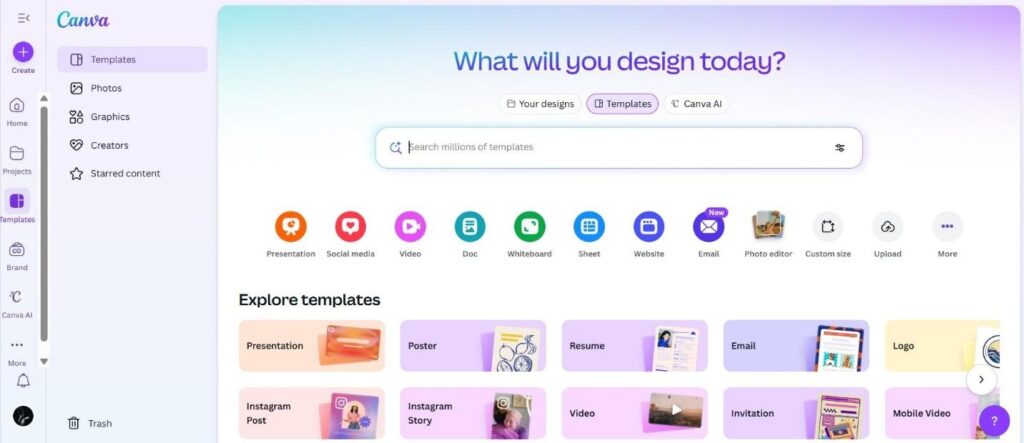
They recently added a specific section for gaming logos. The style here is very different from Placeit. It is less aggressive. It is cleaner. If your content is more about “cozy vibes” or “lifestyle” rather than hardcore competitive shooters, Canva is probably more your speed. The designs tend to be more typographic and modern.
The beauty of Canva is the freedom. You aren’t stuck with a fixed setup. If you feel like nudging the icon a few pixels in any direction, you can. If you want to layer multiple graphics together to build something unusual or chaotic, that freedom is there for you. It rewards people who have a little bit of an artistic eye.
You do have to be careful with the pricing model, though. Canva is technically free, but the best fonts and icons are behind the “Pro” wall. You can’t export them with a transparent background unless you pay, though the platform’s flexibility still makes it worthwhile for many creators.
4. Looka
Looka is for the person who has no idea what they want. You might know your team name, but you have zero visual concepts in your head. Looka handles that blank page anxiety perfectly.
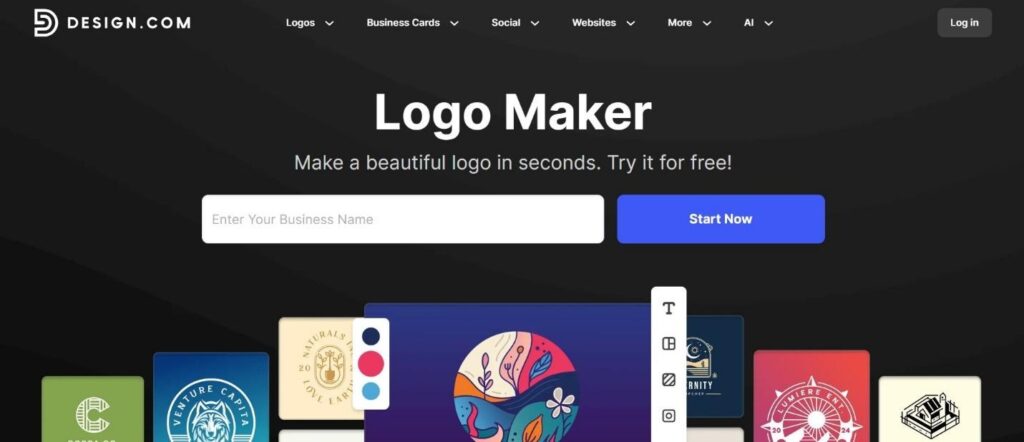
The process is interesting. You don’t pick a template. You pick some other logos you like. You pick some colors you vibe with. Then the system starts throwing ideas at you. It generates dozens of options based on your tastes. You scroll through, favorite the ones that don’t suck, and it learns. The next batch is better. It feels like you are training the system to understand you.
Once you pick a winner, Looka tries to upsell you on the “Brand Kit.” Honestly, it is worth looking at. It generates invoices, letterheads, and social media covers automatically. For an esports organization that needs to send bills to sponsors or sign contracts, having branded documents makes you look legitimate. It separates the hobbyists from the professionals.
It is not the cheapest option. You have to pay to download your files. But you are paying for the convenience of having an entire brand identity built for you in about ten minutes.
5. BrandCrowd
BrandCrowd is old school in the best way. These aren’t random computer mashups. Every design started as a sketch by a real human illustrator. The quality difference is noticeable.
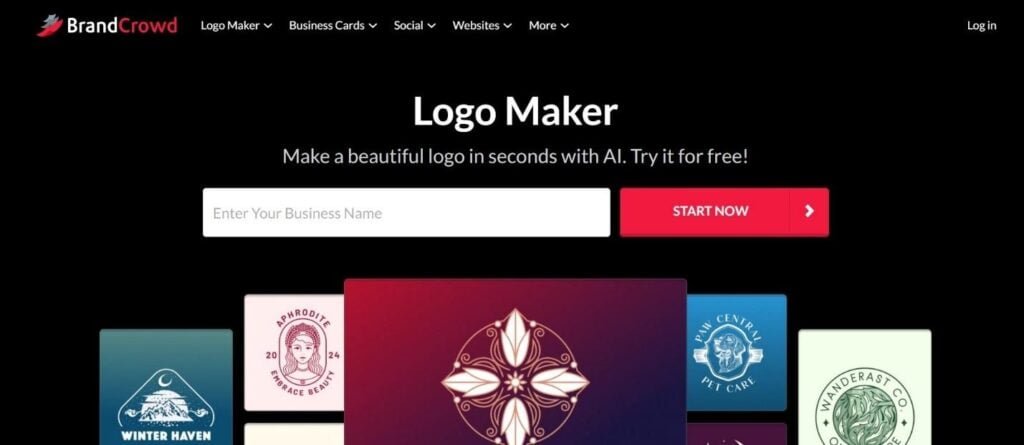
When you look at a BrandCrowd mascot, you see the details. You see the shading on the muscles. You see the complex linework in the hair. It resembles a sports team logo. If you’re forming a competitive clan for Call of Duty or Counter-Strike, this is the look you usually go for. It feels aggressive and powerful. It looks established.
The editor allows adjustments, but the base designs are solid enough on their own. You just change the text and maybe the primary color.
The catch with BrandCrowd is ownership. You are licensing these designs. Unless you pay a significant fee to “buy out” the logo, it stays in the store. Other people can buy it too.
6. Wix Logo Maker
Wix is famous for websites, but their logo tool is a hidden gem. It is particularly good if you want something abstract. Not every gamer wants a mascot. Some of us want a sleek, tech-focused icon. You want something that looks good on a business card or a hardware review site.
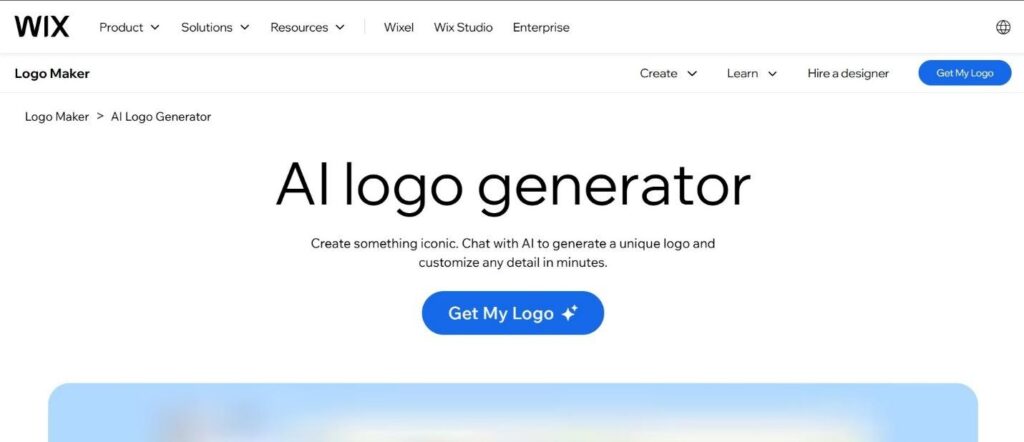
Wix leans heavily into shapes and geometry. It creates logos that feel like tech startups. The integration is the main selling point here. If you build a logo with Wix, you can instantly slap it onto a website. It formats everything for you. It creates a seamless bridge between your brand and your platform.
The editor is a nice middle ground. It is more flexible than Looka but more structured than Canva. You can adjust the opacity and curve text.
The Final Verdict
Building a brand is personal, and no single tool fits every streamer. What you choose depends on your stage and your goals. If you want something polished and consistent across every screen you show, X-Design is easily the strongest option available right now. If you need a simple animated mascot for a Twitch overlay, Placeit still gets the job done. And if you want full control and enjoy crafting things yourself, Canva is the easiest place to start. What matters is that you actually begin. Don’t wait for huge numbers. Make something that feels like you and go live.


Table and Mini Games In Grand Theft Auto 6 – What Can We Expect?

How to Recover Lost Game Files from an External Drive on Mac

Mystery Anime You’ll Regret Starting at Midnight | Part 2

ARC Raiders Frozen Trail Guide: How to Board and Clear the Frigate

Rockstar Games Integrates Advanced Ray Tracing for GTA VI

How to Update Outdated Graphics Drivers for Better Gaming Performance and Higher FPS

The Most Popular Car Game Isn’t Where Players Stay Longest

Canada’s Gaming Audience Is Bigger Than the Old Stereotype

Anime You’ll Be Glad You Added to Your Fall Watchlist (Part 2) 🍂

WoW Forever Leveling: What Is New on the Road from 1 to 60

MM2 weapon rarity tiers explained for traders
Canada’s Gaming Audience Is Bigger Than the Old Stereotype

Why Sports Games Keep Getting Better at Simulating the Real Thing

8 Underrated PC Games Worth Playing in 2026 (That Aren’t Getting the Attention They Deserve)

Mystery Anime You’ll Regret Starting at Midnight | Part 1
The Most Popular Car Game Isn’t Where Players Stay Longest
-
 Anime3 weeks ago
Anime You’ll Be Glad You Added to Your Fall Watchlist (Part 2) 🍂
-
 Features3 weeks ago
WoW Forever Leveling: What Is New on the Road from 1 to 60
-
 Esports3 weeks ago
MM2 weapon rarity tiers explained for traders
-
 Features2 weeks ago
Canada’s Gaming Audience Is Bigger Than the Old Stereotype
-
 Features3 weeks ago
Why Sports Games Keep Getting Better at Simulating the Real Thing
-
 Features3 weeks ago
8 Underrated PC Games Worth Playing in 2026 (That Aren’t Getting the Attention They Deserve)
-
 Anime2 weeks ago
Mystery Anime You’ll Regret Starting at Midnight | Part 1
-
 Features1 week ago
The Most Popular Car Game Isn’t Where Players Stay Longest
-

 Features3 weeks ago
From Consoles to Phones: How Canadian Gaming Became an Anytime Experience
-
 Gaming News1 week ago
Rockstar Games Integrates Advanced Ray Tracing for GTA VI
-
 Features6 days ago
ARC Raiders Frozen Trail Guide: How to Board and Clear the Frigate
-
 Guides4 weeks ago
Minecraft All Biomes Seeds for Players Who Love Exploring